Landing
Hero, feature, and CTA primitives for high-impact landing pages.
Documentation landing
Build a stronger landing page
Use a hero, feature grid, cards, and CTA blocks to turn documentation homepages into useful entry points.
Hero
Lead with a focused title, subtitle, and clear actions.
Feature grid
Summarize what the documentation site supports.
CTA
Close with a clear next step and a secondary path.
# Media layout
Set layout="media" to give every tile a media band. Tiles with an image
render it flush to the tile edges; tiles with only an icon get a themed
glyph band that follows the active color preset.
Versioning
Versioned trees
Keep current and archived releases navigable side by side.
Languages
Translation aware
Switch languages with per-tree fallbacks and status warnings.
Static first
Readable without JS
Everything from navigation to search fallback works as plain HTML.
# Lead layout
Set layout="lead" for an asymmetric band: the first tile becomes a large
media feature spanning two columns, and the next two tiles stack beside it.
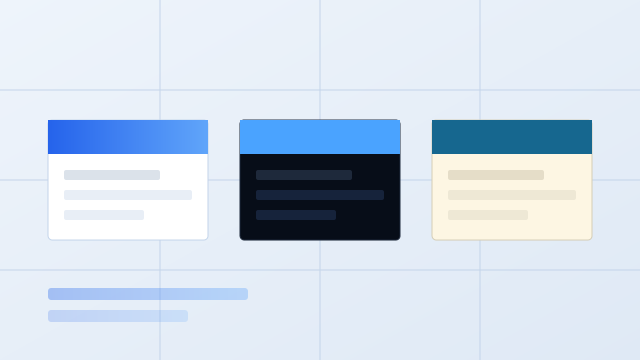
Visual identity
Seven color presets
Swap the whole palette — base colors, callouts, badges, syntax, and diagram
variants — through one token contract.
Bundled fonts
Inter and JetBrains Mono ship with the theme, self-hosted under the SIL OFL.
Build-time diagrams
Mermaid sources render to static SVG in the pipeline, light and dark.
Ready to publish?
Combine landing primitives to create a concise, navigable entry page.